Why a Fresh Phone Wallpaper Can Change Your Screen
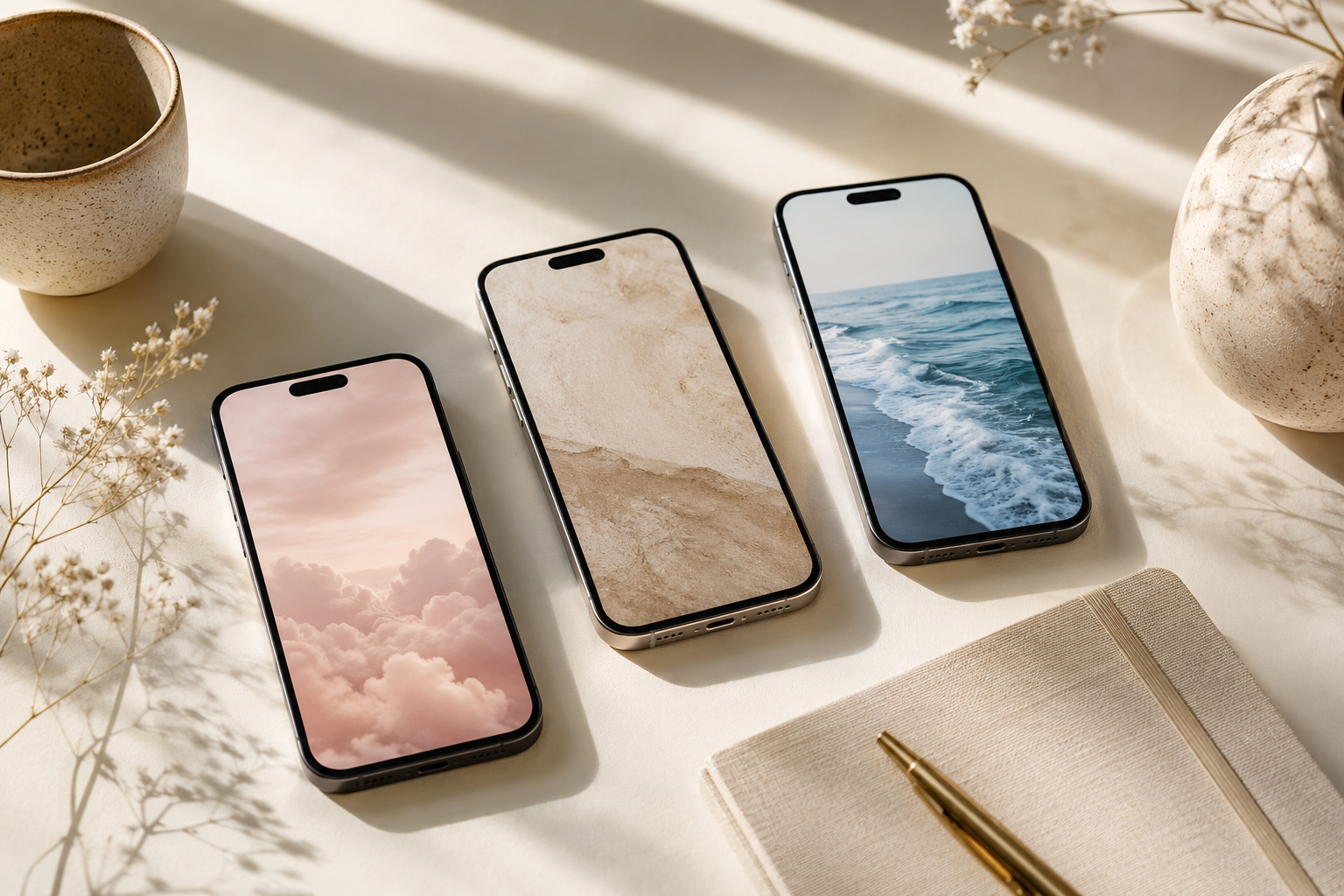
Your phone is one of the objects you look at most often, so its background can have a surprisingly strong effect on how the device feels. A cluttered, outdated, or overly bright wallpaper can make the screen feel busy, while a carefully chosen image can make your icons, widgets, and lock screen look more organized.
The best aesthetic phone wallpaper ideas are not only attractive. They also complement the way you use your phone. Some people prefer a calm neutral background that keeps app icons easy to see. Others enjoy colorful patterns, dreamy skies, seasonal scenes, or cute designs that bring more personality to their screen.
You do not need to completely reorganize your apps to give your phone a fresh look. Changing the wallpaper is one of the quickest ways to update your home screen, match a new mood, or create a more coordinated digital aesthetic.
How to Choose an Aesthetic Phone Wallpaper
Before selecting a new background, think about how the image will look behind your clock, notifications, widgets, and app icons. A wallpaper may look beautiful on its own but feel distracting once everything else appears on top of it.
- Choose a clear focal point: Look for an image with open space where your clock or icons will appear.
- Consider your icon colors: Light icons usually stand out on darker backgrounds, while colorful icons may look cleaner against neutral tones.
- Match your preferred mood: Soft colors can feel calming, while bold colors can make your phone feel more energetic.
- Use coordinated backgrounds: Your lock screen and home screen do not need to be identical, but they should share similar colors or themes.
- Check the crop: Preview the image before saving it so the main subject is not hidden behind widgets or cut off at the edges.
1. Soft Neutral Gradient Wallpaper
A soft gradient is an easy choice when you want an attractive background that does not compete with your apps. Look for subtle combinations such as cream fading into beige, blush blending into warm white, or pale gray transitioning into muted lavender.
Gradients work especially well on home screens because there are no detailed objects behind the icons. They can also make the screen feel brighter and more spacious. Choose a smooth gradient with low contrast for a calm minimalist appearance, or select a slightly more colorful version when you want a playful finish.
2. Dreamy Cloudscape Wallpaper
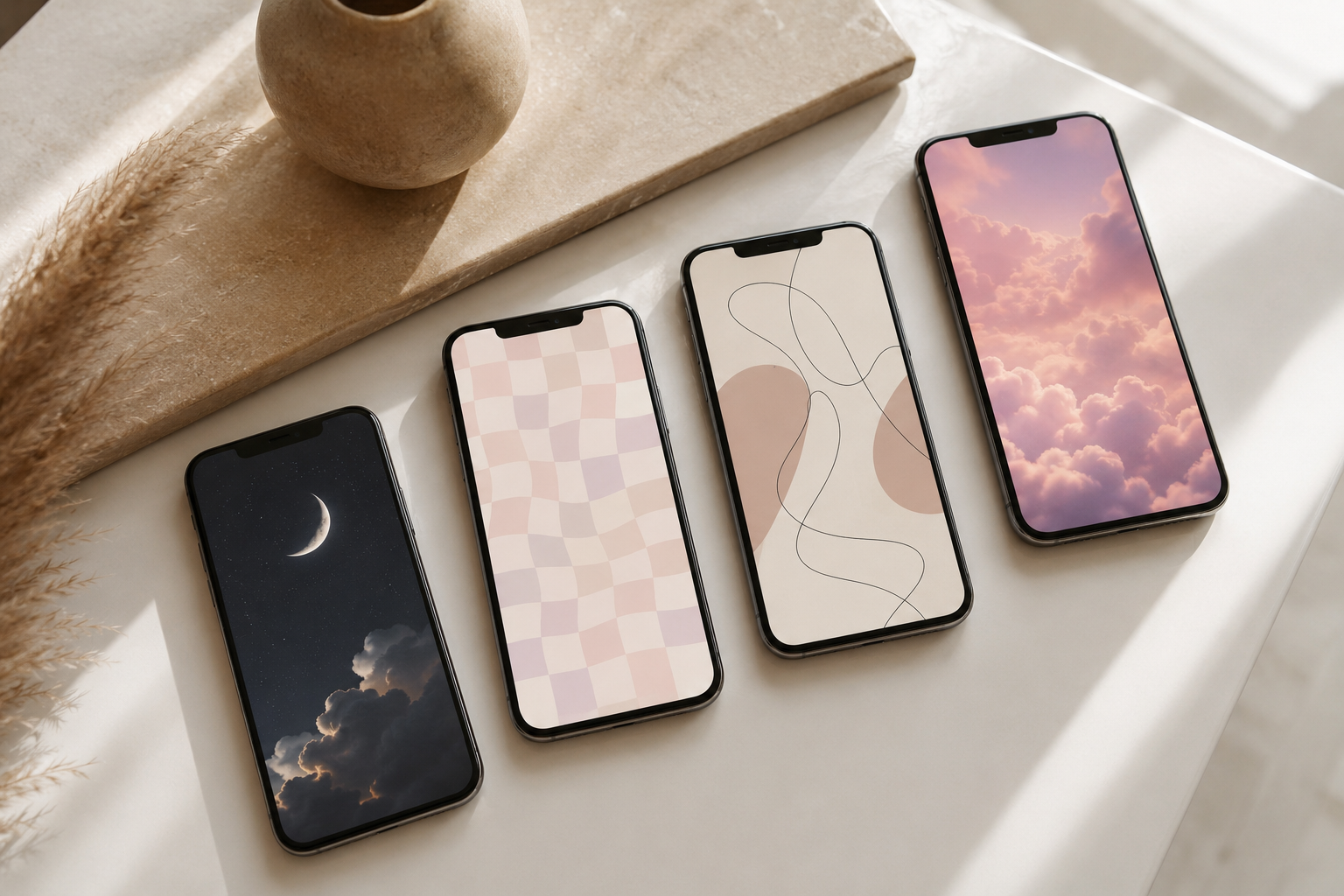
Cloud wallpapers create a peaceful, open feeling and can work with many different phone styles. Fluffy white clouds against a soft blue sky feel light and optimistic, while pink sunset clouds create a more romantic look. Dark storm clouds can produce a dramatic, moody aesthetic.
For a clean lock screen, choose a sky image with open space near the upper portion of the photograph. This gives the clock and date enough room to remain readable. A vertical cloudscape with the most detailed clouds near the bottom can also work beautifully behind app icons.
3. Delicate Wildflower Wallpaper
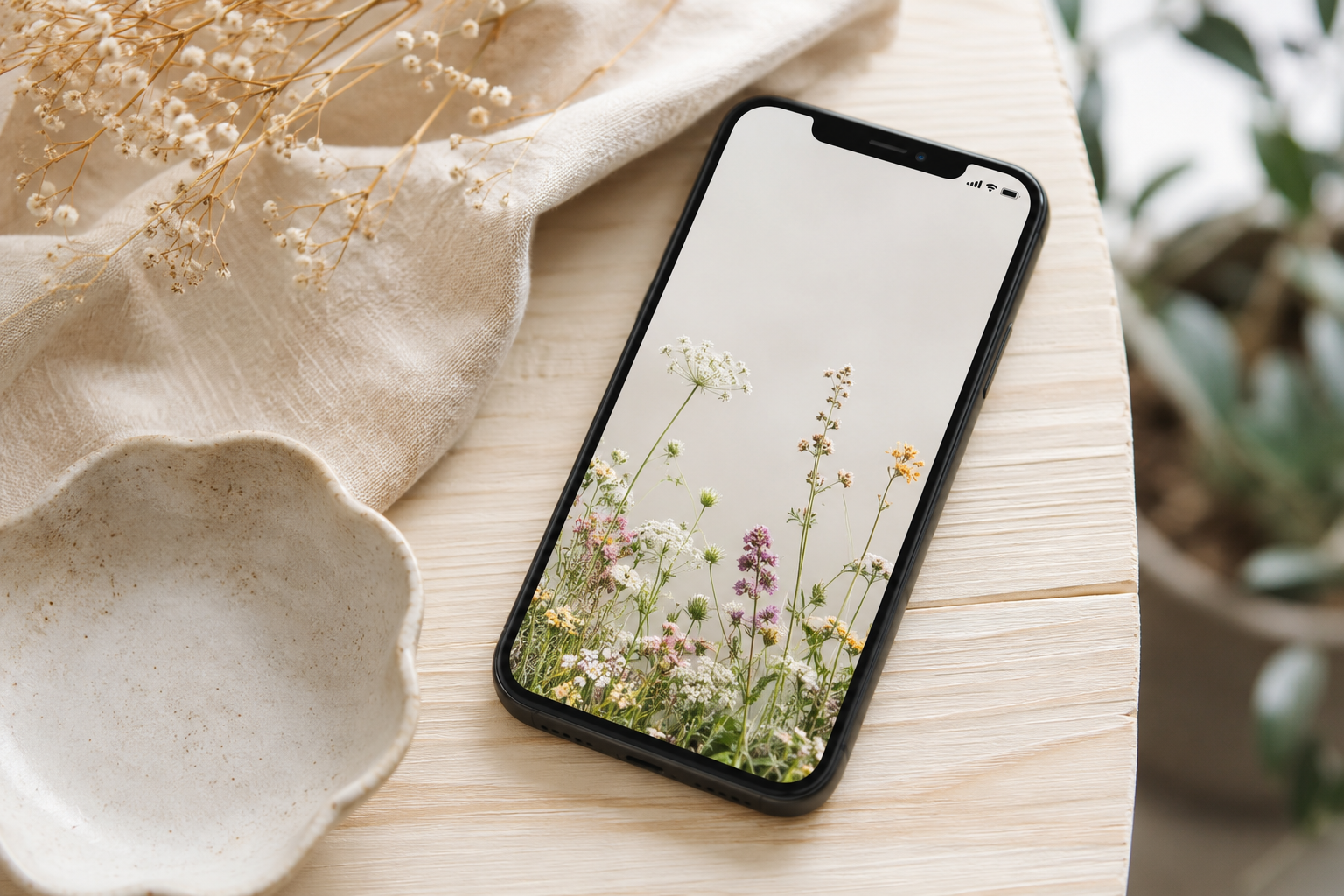
Wildflower backgrounds add natural beauty without feeling overly formal. Small daisies, lavender stems, baby’s breath, or pressed flowers can create a soft, cheerful home screen. They are especially effective when photographed against a simple cream, pale blue, or muted green background.
Choose a design with flowers placed around the edges if you want to keep the center clear for widgets. A close-up floral photograph can work well as a lock screen, while a more spacious botanical arrangement may be easier to use behind apps.
4. Minimalist Beige Texture
Beige does not have to feel plain. A background featuring linen, handmade paper, soft plaster, sand, or natural stone can add subtle texture while keeping the overall screen neutral. These wallpapers are ideal for people who prefer understated colors and organized layouts.
A lightly textured background gives the screen more depth than a solid color without making icons difficult to find. Pair it with cream, brown, white, or muted app widgets for a warm and cohesive look.
5. Coastal Blue Wallpaper
Coastal wallpaper ideas can make your phone feel fresh, airy, and relaxing. Consider clear ocean water, gentle waves, pale blue beach umbrellas, sea glass, or a quiet shoreline photographed from above.
For a sophisticated coastal aesthetic, avoid overly crowded beach scenes. A simple section of blue water meeting light sand is usually easier to use as a background. You can coordinate the wallpaper with white widgets and pale blue accents for a clean ocean-inspired home screen.
6. Dark Moon and Night Sky Wallpaper
A dark moon wallpaper is a strong option for people who use dark mode or prefer a lower-brightness screen. A small crescent moon against a deep navy sky creates a minimal celestial look, while a detailed full moon can become the main focal point of the lock screen.
Dark backgrounds often make white clocks and app labels easier to read. They can also help colorful icons stand out. Look for a composition with the moon placed away from the clock so the design remains balanced.
7. Cute Pastel Checkerboard Wallpaper
Pastel checkerboard patterns are playful without being too complicated. Popular color combinations include pink and cream, lavender and pale yellow, mint and white, or peach and soft blue.
A small-scale checkerboard creates an energetic background, while larger squares feel cleaner and more modern. Because the pattern covers the entire screen, choose colors with gentle contrast. Very bright squares can make app labels harder to read and may become visually tiring over time.
8. Vintage Botanical Illustration
Vintage botanical artwork creates an elegant, collected appearance. Ferns, mushrooms, herbs, butterflies, and detailed flowers can all work as phone backgrounds. Designs inspired by old field guides often combine muted colors with warm paper textures.
This style is especially attractive for fall, cottage-inspired themes, or nature-focused home screens. Choose an illustration with one main plant or a balanced arrangement rather than an overly dense botanical chart.
9. Abstract Line Art Wallpaper
Simple line drawings can create a modern artistic look without overwhelming the screen. Faces, hands, flowers, and continuous abstract shapes are popular choices. Black lines on cream or white backgrounds feel clean and classic, while white lines on terracotta, olive, or navy create more contrast.
Line art works best when the drawing is large enough to remain visible behind your icons. A design placed toward the bottom or side of the screen can leave useful open space for the clock and widgets.
10. Celestial Stars Wallpaper
Stars, constellations, planets, and tiny sparkles can make a phone screen feel magical. A dark celestial design creates a dramatic look, while gold stars on cream or pale pink produce a softer aesthetic.
You can also choose a background based on your zodiac constellation or a particular phase of the moon. Keep the star pattern relatively simple if you plan to place many apps on the home screen. A more detailed galaxy image may be better suited to the lock screen.
11. Cozy Coffee Wallpaper
A warm coffee scene can make your phone feel comforting and familiar. Look for a realistic overhead photograph of a latte, an open book, a soft blanket, or a wooden café table. Warm brown, cream, and caramel tones are particularly appealing during fall and winter.
To keep the screen functional, select an image with the coffee cup positioned near one corner. This leaves the remaining space available for widgets and icons. A simple café photograph can also pair well with neutral or brown app themes.
12. Green Nature Wallpaper
Green backgrounds can make a phone screen feel calm and refreshing. Fern leaves, moss, forests, eucalyptus branches, and sunlit meadows all provide different versions of a natural green aesthetic.
A close-up leaf photograph feels modern and detailed, while a distant landscape creates a more peaceful appearance. Dark forest greens coordinate well with black widgets, while sage and eucalyptus tones look attractive with cream or white accents.
13. Blush Pink Wallpaper
Blush pink is soft, versatile, and easy to coordinate with different icon styles. Instead of using a completely flat pink background, look for subtle variations such as watercolor washes, satin folds, cloudy gradients, flower petals, or lightly textured paper.
A dusty rose shade feels warm and sophisticated, while pale pink creates a brighter and cuter look. Blush wallpaper can also be combined with white, beige, burgundy, or gold details to create a more layered color palette.
14. Black-and-White Architecture Wallpaper
Architectural photography is ideal when you want a background that feels modern, polished, and slightly dramatic. Curved staircases, arched windows, geometric buildings, tiled floors, and detailed columns can all create striking phone wallpapers.
Black-and-white photography removes distracting colors and allows the structure of the image to stand out. Look for strong lines and negative space. A building photographed against an open sky can provide a clear area for the clock while still adding visual interest.
15. Golden Hour Sunset Wallpaper
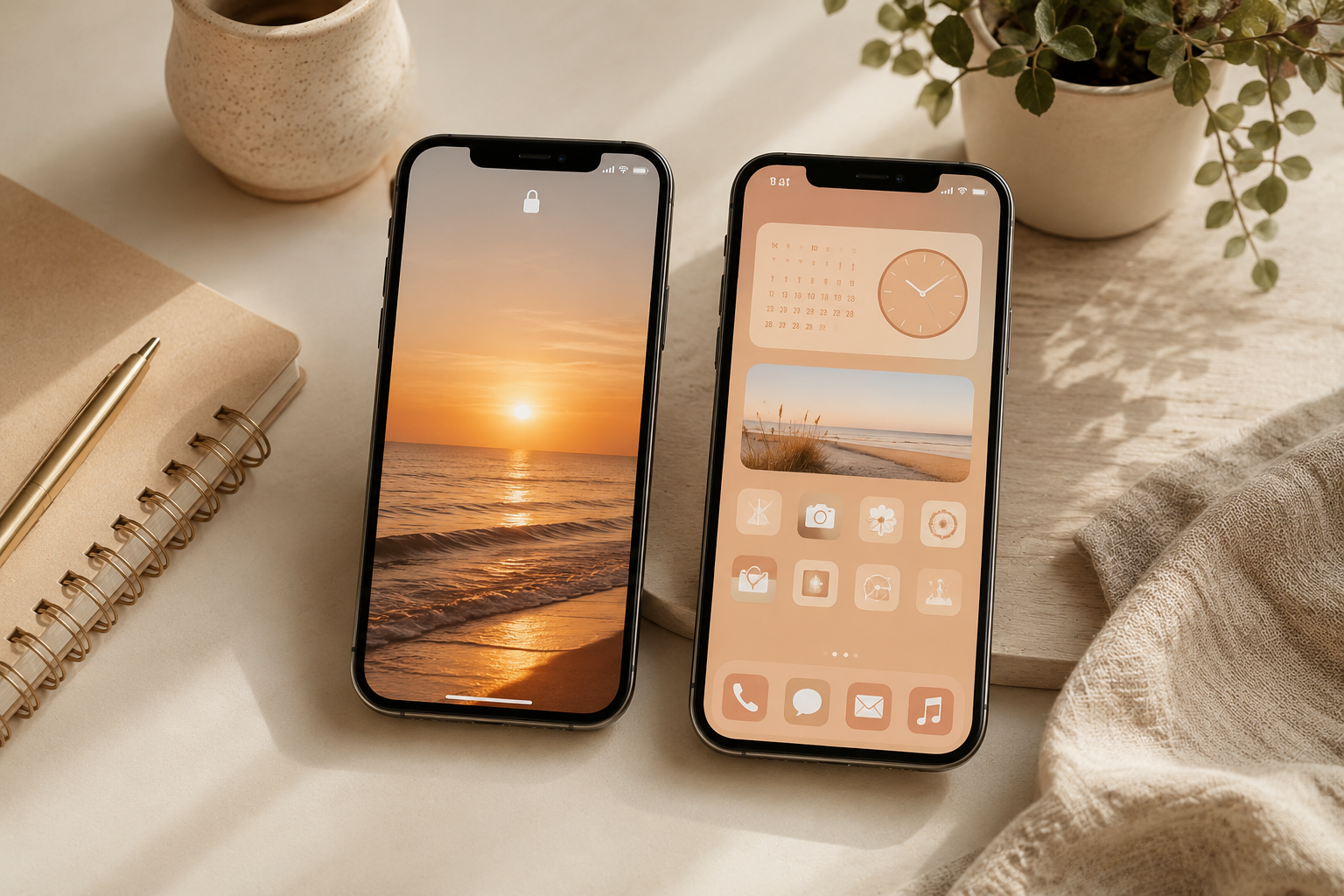
Golden hour backgrounds bring warm color and a relaxed mood to the screen. A glowing sunset over the ocean, sunlight through tall grass, or a quiet road illuminated by evening light can create a beautiful lock screen.
Sunset images often include several colors, so check that the clock remains visible against the brightest part of the photograph. A scene with the sun placed lower in the frame usually provides better space near the top.
16. Minimal Motivational Quote Wallpaper
A short encouraging phrase can turn your lock screen into a gentle daily reminder. Choose simple wording that you will not become tired of seeing, such as a reminder to slow down, keep going, stay present, or begin again.
The design should use large, readable lettering with plenty of empty space. Avoid long quotes, crowded decorative fonts, or text placed directly behind the lock screen clock. A small phrase centered in the lower half of a neutral background usually works best.
17. Scrapbook Collage Wallpaper
A digital scrapbook background can combine photographs, ticket stubs, flowers, handwritten notes, magazine clippings, and textured paper. This style is perfect when you want a phone screen that feels personal and creative.
Keep the color palette consistent so the collage does not appear chaotic. For example, combine warm beige paper with brown photographs and white flowers, or build a pastel collage using pink, blue, and lavender elements. Leave one section less detailed so your icons remain easy to identify.
18. Seasonal Wallpaper Rotation
Changing your background with the seasons is a simple way to keep your phone feeling current. Spring wallpapers may include flowers and light greens, while summer backgrounds can feature beaches, citrus fruit, or bright skies. Autumn works well with warm leaves, coffee scenes, and earthy colors. Winter wallpapers can include snow, evergreen branches, candles, or soft neutral textures.
You can also create smaller seasonal updates around holidays without using an overly themed design. A muted pumpkin photograph, a snowy window, or subtle holiday lights can provide a festive look that still feels polished.
How to Coordinate Your Lock Screen and Home Screen
Your two backgrounds should feel connected, but they do not need to use the same image. In fact, using two related wallpapers can make your phone feel more thoughtfully designed.
- Use a detailed photograph on the lock screen and a simple gradient on the home screen.
- Choose two images that share the same primary color.
- Pair a close-up image with a wider photograph of the same subject.
- Use a dark lock screen and a lighter home screen within the same color palette.
- Match a patterned lock screen with a solid background pulled from one of the pattern’s colors.
For example, a lock screen showing a detailed white flower can be paired with a pale green home screen. A dramatic sunset lock screen can work with a simple peach-to-lavender gradient behind the apps.
Make Sure Your Apps Stay Easy to See
A beautiful background should not make your phone harder to use. Before committing to a wallpaper, test it with your normal icon arrangement. Pay attention to busy areas, bright highlights, and colors that are similar to your app icons.
You may need to reposition the image, blur it slightly, or choose a darker version. Some phones also allow you to dim the home screen wallpaper while keeping the original image on the lock screen. This can be useful when you love a detailed photograph but need better icon visibility.
Widgets can also help create a more coordinated layout. Use widget colors pulled from the wallpaper rather than adding several unrelated shades. A simple clock, calendar, or photo widget is often enough to complete the look.
How Often Should You Change Your Phone Wallpaper?
There is no correct schedule for updating your phone background. Some people keep the same image for months, while others rotate wallpapers every week. Change it whenever the screen begins to feel stale or when you want your phone to reflect a new season, goal, or mood.
You can create a saved folder containing several favorite backgrounds. Organize them by color, season, or aesthetic so you always have a new option ready. Saving multiple coordinated designs also makes it easy to refresh the screen without rebuilding the entire layout.
Refresh Your Home Screen With a Wallpaper You Love
A new wallpaper is a small change, but it can make your phone feel cleaner, more personal, and more enjoyable to use. Whether you prefer calming neutral textures, cute pastel patterns, dark celestial scenes, or colorful nature photography, the right background can completely change the appearance of your screen.
Start with one of these aesthetic phone wallpaper ideas and choose a design that matches both your personal style and the way you organize your apps. Keep readability in mind, coordinate the lock screen with the home screen, and save several favorites so you can create a fresh look whenever the mood changes.